How to Download Pinterest Videos on iPhone
Learn how to download Pinterest videos on iPhone with Safari, where the file goes, how to save it to Photos, and what to check when a download does not appear.
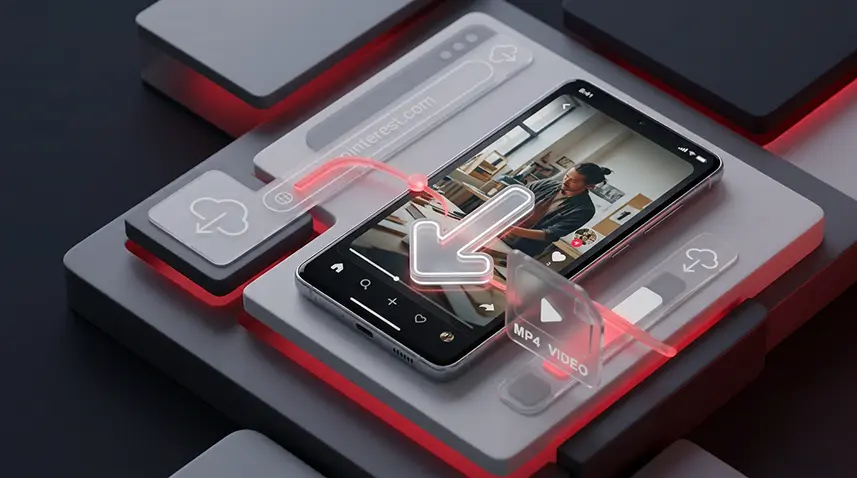
Saving a Pinterest video on an iPhone is usually possible without installing a separate downloader app. The simplest workflow is to copy the link of the individual Pin, open Snapzia in Safari, and download the video file that is available from that Pin.
1. Copy the link to the Pinterest video
Open the video Pin in the Pinterest app or website. Tap Share, choose the option to copy the link, and make sure you copied the URL of the individual Pin. A board, profile, search-result, or image link may not identify the video you want to download.
2. Open Snapzia in Safari
Open Safari on your iPhone and go to the Snapzia Pinterest Video Downloader. Paste the Pin link into the downloader and start the process. You do not need to install an iPhone app just to use the downloader.
3. Choose the available video file
When Snapzia detects the Pin, review the video file and the available quality before downloading. The available quality depends on the source media on Pinterest; a downloader cannot create higher-quality detail that is not present in the original video.
Where does Safari save the Pinterest video?
On iPhone, Safari downloads are normally accessible through the Files app, often under Downloads. The exact location can differ if you changed Safari's download setting.
How to save the downloaded video to Photos
If the downloaded file is compatible with the Photos app, open Files, find the video in Downloads, tap Share, and use the available option to save it to Photos. If that option is not offered, the file may use a format that iOS does not treat as a Photos-compatible video.
What if the download does not appear on the iPhone?
First check Files → Downloads rather than only the Photos app. Then check Safari's download location and try the Pin link again. If Snapzia cannot retrieve the media, the issue may be related to the Pin or its source rather than the iPhone itself.
Can you download a Pinterest video without an app?
Yes. Safari can handle the process from start to finish: copy the Pin link, open Snapzia, paste the link, and download the available file. Using a browser can also avoid giving an additional app access to your device.
Why does Pinterest sometimes have no download button?
The absence of Pinterest's own download option does not necessarily mean your iPhone is malfunctioning. Pinterest can allow creators to control downloads for certain full-screen video Pins. A browser downloader follows a different workflow, but it still depends on the media being accessible from the Pin.
Quick iPhone checklist
- Copy the link of the individual video Pin.
- Open Snapzia in Safari.
- Paste the link and check the available file.
- Download the video.
- Look in Files → Downloads if it is not in Photos.
Related guides: See the complete Pinterest video download guide for the general workflow, or the Pinterest download troubleshooting guide if the Pin cannot be processed.
Frequently Asked Questions
How do I download a Pinterest video on iPhone?
Copy the individual Pin link, open Snapzia in Safari, paste the link, and download the available video file.
Where are Pinterest videos downloaded on iPhone?
Safari downloads are normally available in the Files app, often in Files > Downloads.
How do I move a downloaded Pinterest video to Photos?
Open Files, locate the downloaded video, tap Share, and choose the available option to save it to Photos.
Do I need an iPhone app to download Pinterest videos?
No. Safari can be enough to open Snapzia, process the Pin link, and download the available file.

Ready to download a Pinterest video?
Paste your Pinterest link and download the available video directly in your browser.