Pinterest Board Downloader
Download images and videos from any Pinterest board, free and fast
How to Download Pinterest Board in 3 Steps
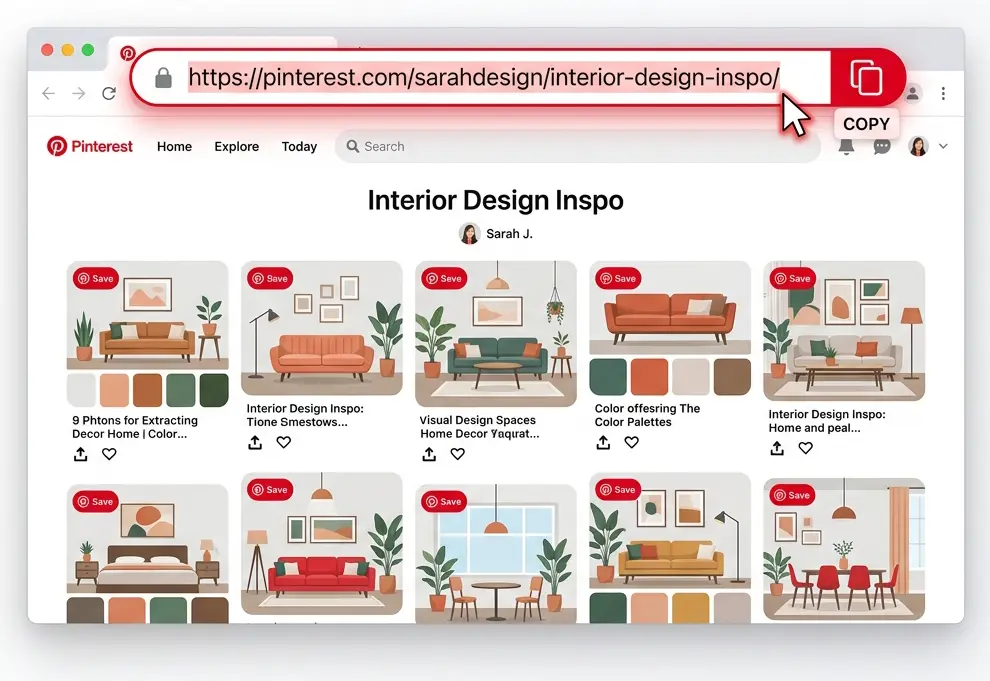
#1. Copy the board link
Open the Pinterest board and copy its link from the address bar.
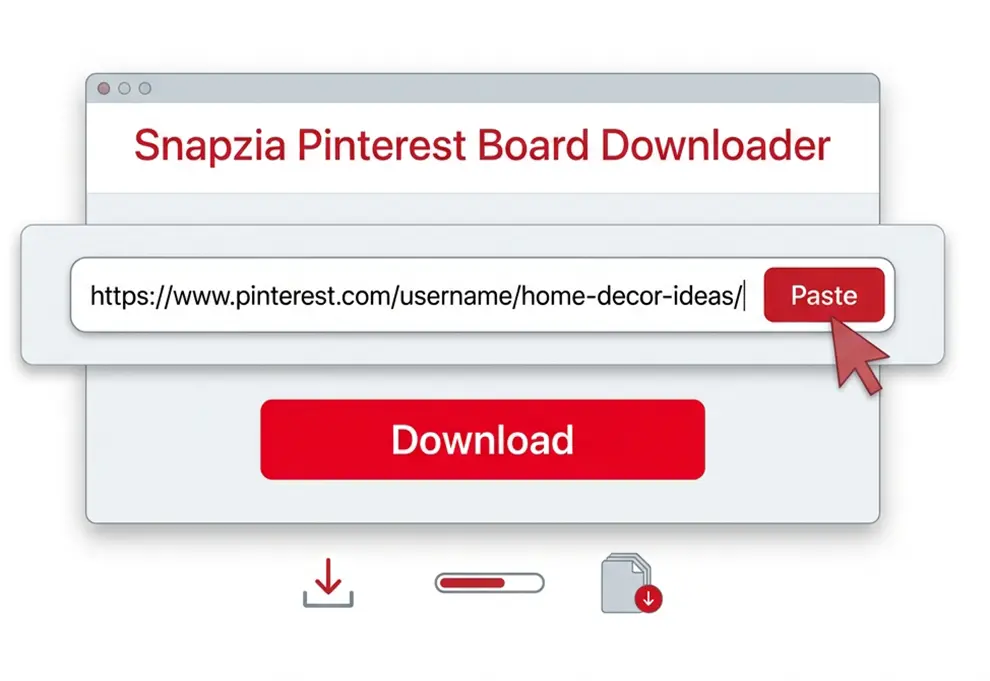
#2. Paste it above
Paste the board link into the box and click download.
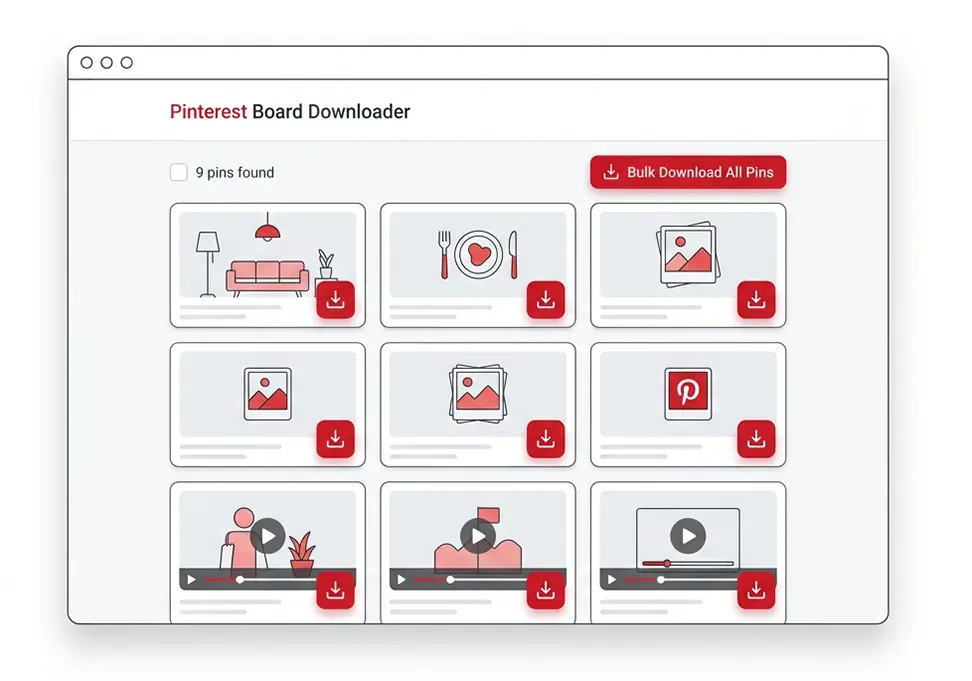
#3. Download every pin
Browse the board's pins and download each one, image or video, with a single click.
What is a Pinterest board?
A Pinterest board is a collection of Pins organized around a specific topic, such as recipes, fashion, travel ideas, wallpapers, or home inspiration. When a board contains many Pins, saving each image or video individually can take a lot of time.
Snapzia Pinterest Board Downloader makes it easier to save content from a public Pinterest board. Simply copy the board URL and paste it into Snapzia. The tool scans the available Pins and lets you access the supported images and videos for download in one place.
Pinterest Board Downloader Features
Download available Pinterest Board content quickly and easily with Snapzia. Save images and videos from a public Pinterest Board, preview available Pins, and download the content you want directly from your browser.
Download Pinterest Board Pins
Extract available images and videos from a public Pinterest Board and access each Pin individually for easy downloading.
Images and Videos Supported
Snapzia supports Pinterest Boards containing available images and videos, depending on the media provided by Pinterest for each Pin.
High-Quality Downloads
Save available Pinterest images and videos in the highest quality provided by Pinterest while preserving the original media as clearly as possible.
Preview Before Downloading
Preview Pins from the Pinterest Board before downloading them, so you can check the available content and choose the files you want to save.
Download Multiple Pins
Access multiple Pins from a public Pinterest Board in one place, making it easier to download several available images and videos without opening each Pin separately.
No App or Account Required
Download Pinterest Board content online without installing an app or creating a Snapzia account. Just paste a public Pinterest Board link and start downloading.
Frequently Asked Questions
-
Can I download an entire Pinterest board at once?
Snapzia fetches the board's most recent pins in one batch (currently the first 25) and gives you a direct download link for each. Support for loading further batches of older pins is on our roadmap.
-
Does this work on private Pinterest boards?
No. Only public boards can be read this way, since Snapzia doesn't log into Pinterest or use any account credentials — it reads exactly what a visitor to that board's page would see.
-
Will pins that are carousels or videos download correctly?
Yes. Each pin in the grid is labeled by type — video pins show a play icon, carousel pins show a stack icon. Carousel pins link to the pin itself, since a swipeable pin has multiple images: open it, then paste that pin's link into our dedicated Carousel Downloader to get every slide.
-
Will the downloaded pins have a Pinterest watermark?
No. Snapzia doesn't add any watermark of its own. Every pin is downloaded at its original quality directly from Pinterest's servers.