Pinterest Image Downloader
Download Pinterest Images and GIFs in High Quality
How to Download a Pinterest Image Without a Watermark in 3 Steps
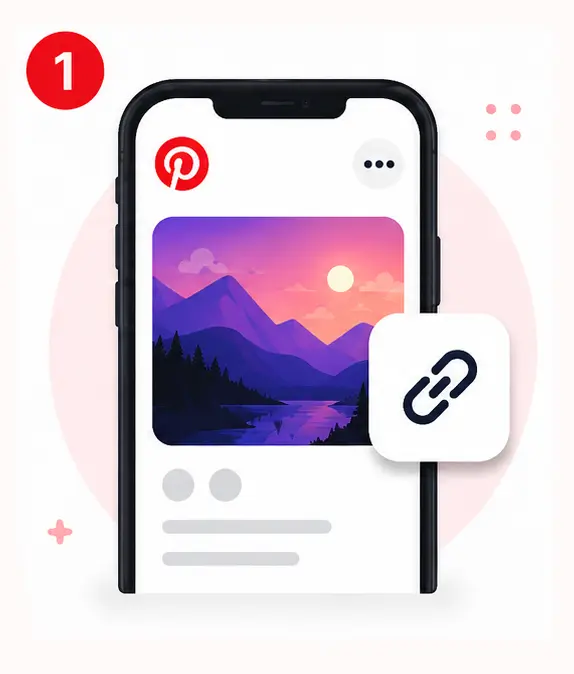
#1. Copy the Pinterest image link
Open the Pinterest app or website, select the image, tap •••, then choose "Copy Link".
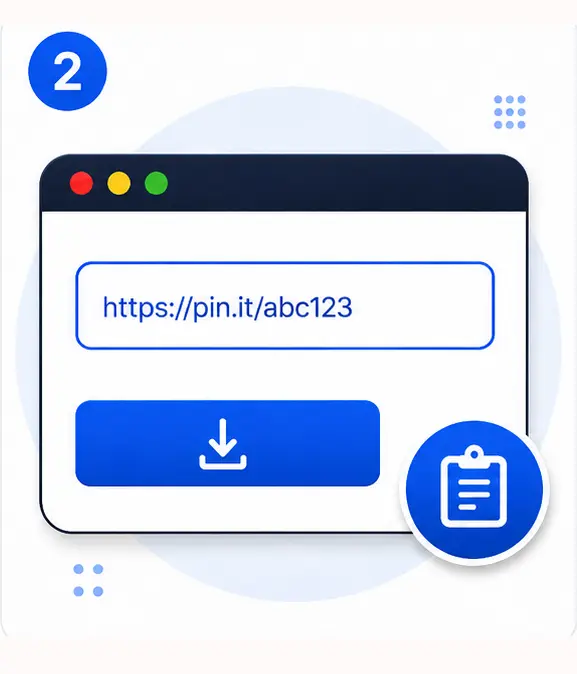
#2. Paste the image link
Paste the link you copied into the field above, then click the download button.
#3. Download the image
Click the download button and the image will start downloading right away.
Why Use Snapzia as a Pinterest Image Downloader?
To ensure fast performance, Pinterest displays compressed previews of images. Our tool ensures the original file is retrieved directly from Pinterest's servers at the true resolution and dimensions the publisher uploaded, without any loss of quality.
The tool works seamlessly: simply paste a public Pin link to instantly preview the image or GIF and download it with a single click, keeping the file exactly as it is — no processing, no extra compression, no watermarks.
Pinterest Image Downloader Features
Download Pinterest images quickly and easily with Snapzia. Save available images in high quality and full size without creating an account, logging in, or installing an app.
Download Pinterest Images in 4K
Save Pinterest images in up to 4K quality when the original source provides a 4K version. Snapzia preserves the highest available image quality without unnecessary compression.
Download Full-Size Pinterest Images
Get the full-size version of a Pinterest image whenever it is available from the original source. Save images with their available dimensions instead of a smaller preview version.
No Watermark Added by Snapzia
Download Pinterest images without any watermark added by Snapzia. We do not place our logo, text, or additional watermark on the downloaded file.
Download Without an Account
You do not need to create a Snapzia account to download Pinterest images. Simply paste the Pinterest image link and start your download.
High-Resolution Image Downloads
Download Pinterest images in the highest resolution available from the source. This helps preserve details, sharpness, and image quality for personal projects and viewing.
No App Required
Use Snapzia directly from your web browser without installing an app or additional software. It works on phones, tablets, and computers.
Why Choose Snapzia for Downloading Pinterest Images?
Full Original Resolution
No Watermark at All
Supports JPG, PNG, and WEBP
Works on Any Device
No Login Required
100% Free to Use
Frequently Asked Questions
-
Can I download Pinterest images without a watermark?
Yes. You can use Snapzia to download Pinterest images without adding any watermark or logo from the tool. The available image is downloaded from the source without modifying it or adding a new watermark.
-
Can I download images from Pinterest without an account?
Yes. You can download publicly available Pinterest images without signing in or creating an account. Simply copy the image or public Pin URL and paste it into Snapzia to start the download.
-
How can I download a Pinterest image in high quality?
Copy the URL of the Pin containing the image from Pinterest, then paste it into Snapzia and click the download button. The tool will provide the highest available image quality from the source.
-
Can I download Pinterest images on my phone?
Yes. Snapzia works on smartphones, tablets, and computers. You can download Pinterest images on Android or iPhone using your web browser without installing an additional app.
-
Can I download Pinterest images in JPG or PNG format?
Yes. The tool supports common image formats such as JPG and PNG and provides the file in the format available from the source while preserving the image quality and file properties as much as possible.