









Pinterest GIF Downloads as a Video? Why It Happens and What to Do
Saved a Pinterest GIF but got an MP4 instead? Learn why animated Pins may be delivered as video, how to tell what you received, and how to get a real GIF.
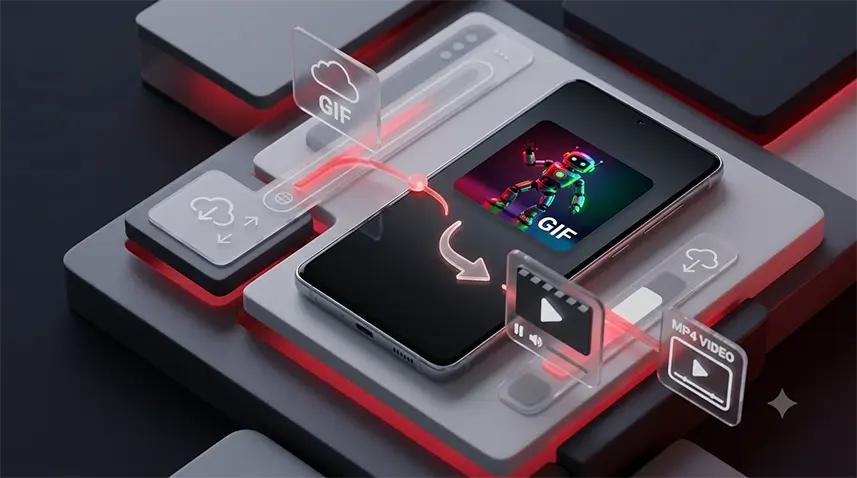
You found an animated GIF on Pinterest, downloaded it, and the file turned out to be an MP4. That does not necessarily mean the download failed. In many cases, the animated Pin is delivered as video because that is how the source media is stored or served.
Why a Pinterest GIF can download as a video
What looks like a GIF to you is not always a GIF file behind the scenes. Pinterest can serve animated content as compressed video, so a downloader may receive an MP4 rather than a file with a .gif extension. The important point is that the file extension alone does not tell you what the original Pin looked like.
This also explains why Pinterest's own image-saving option may behave differently from a media downloader. If the animated content is represented as video, saving it as an image may give you a still frame, while a downloader retrieves the video version.
Is an MP4 the same as a GIF?
No. MP4 and GIF are different media formats. A video can contain the same animation you saw in the Pin, but it is still a video. Simply changing .mp4 to .gif does not convert it. A genuine GIF needs its frames to be encoded as a GIF file.
This distinction matters when another app specifically expects a GIF. A renamed MP4 may fail to animate, may be rejected as an invalid file, or may behave differently from a real GIF.
Should you keep the video or convert it to GIF?
Keep the MP4 when you mainly want the animation to play smoothly or share it as a video. MP4 generally handles modern video playback more efficiently than GIF and can preserve smoother motion at a smaller size.
Convert it to GIF when the destination specifically requires a GIF file, such as a platform or workflow that accepts animated GIFs rather than video. Remember that converting to GIF can increase the file size or reduce visual quality, especially for longer or high-resolution animations.
How to get a real animated GIF from Pinterest
Copy the link to the Pin and paste it into Snapzia's Pinterest GIF Downloader. If the source can be processed as an animation, the tool can create a GIF file rather than merely changing the extension of an MP4.
If you actually prefer the video format, you can use the Pinterest Video Downloader instead. Choosing the format based on where you plan to use the file is usually better than converting everything to GIF.
What if the GIF still does not look right?
First, open the downloaded file in another browser or media viewer. If the MP4 plays correctly there, the problem is probably with the app where you first opened it. If the animation itself is missing, try the Pin again and make sure you copied the link to the individual Pin rather than a search, profile, or board page.
If you are getting a video but it has no audio, that is a separate issue because GIFs themselves do not contain audio. For downloaded Pinterest videos, see Pinterest video has no sound.
Quick answer
A Pinterest “GIF” may download as MP4 because the animated content is served as video. That is not automatically a bad download. Keep the MP4 if video works for your purpose, or use a proper GIF conversion tool when you specifically need a real animated GIF.
Frequently Asked Questions
Why does my Pinterest GIF download as MP4?
Because the animated Pin may be stored or served as compressed video. A downloader can therefore receive the underlying MP4 rather than a GIF file.
Can I rename an MP4 file to GIF?
No. Changing the extension does not change the media format. A real GIF must be encoded as a GIF.
Is MP4 better than GIF for Pinterest animations?
Often, yes for general playback and sharing. MP4 usually provides smoother video with better compression, while GIF is useful when a destination specifically requires GIF format.
How can I get a real GIF from a Pinterest Pin?
Use a tool that actually converts the animation into GIF frames, such as Snapzia Pinterest GIF Downloader, rather than simply renaming an MP4.
Why does Pinterest save only one image instead of the animation?
If the animated Pin is served as video, an image-saving option can return a still frame instead of the moving media.

Ready to download a Pinterest video?
Paste your Pinterest link and download the available video directly in your browser.